
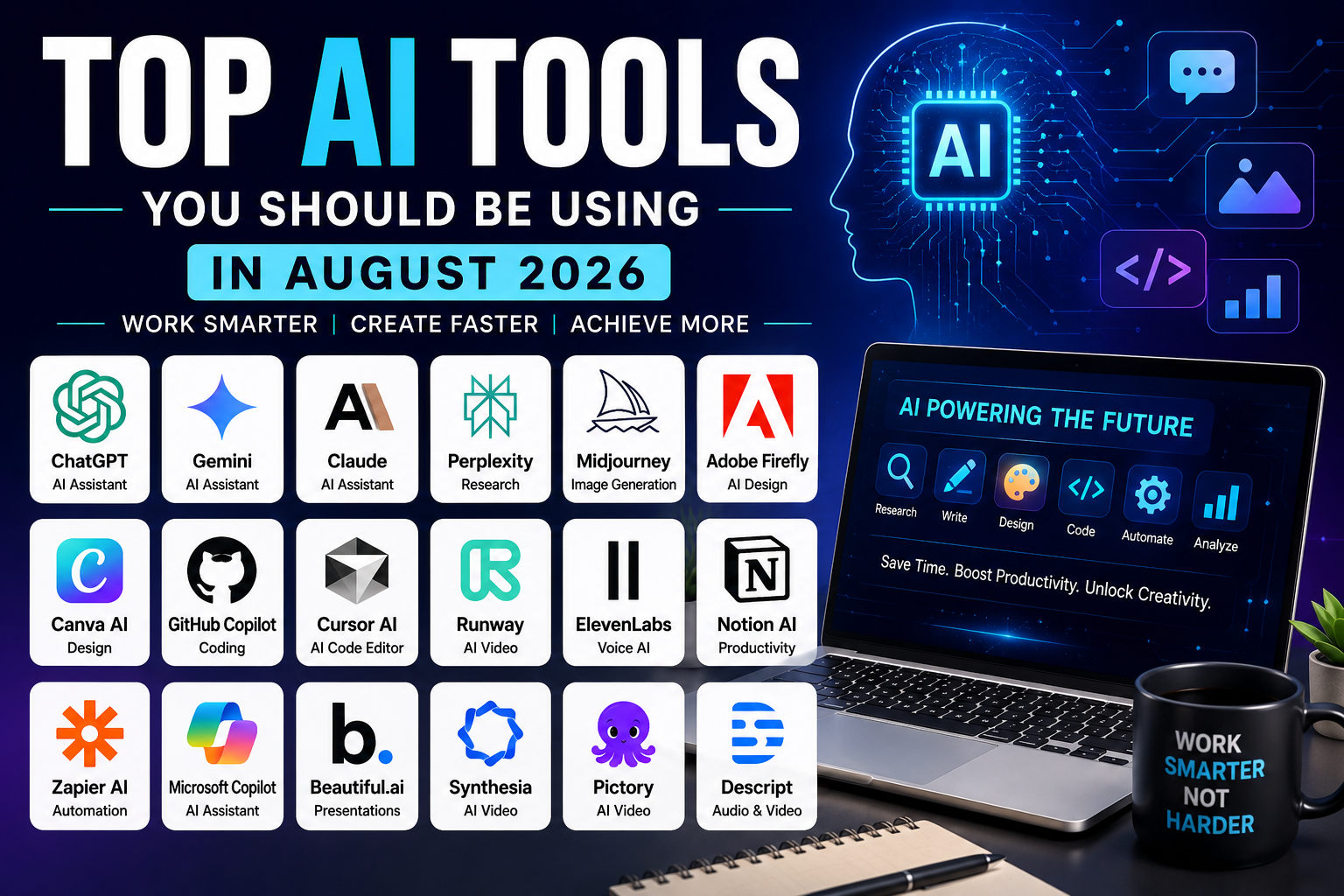

Artificial intelligence has moved beyond being an experimental technology. In 2026, AI tools are being used by students, developers, businesses, marketers, researchers and content creators to complete tasks that previously required hours of manual work.
However, having access to hundreds of AI applications creates a new problem: which tools are actually useful?
Not every AI platform is worth paying for, and many tools overlap in their capabilities. The best choice depends on what you want to accomplish, how frequently you use AI, your budget and whether you need features such as document analysis, coding assistance, image generation or automation.
This guide examines 13 widely used AI tools and explains what each one is best suited for, where it fits into a typical workflow and what users should consider before adopting it.
What Makes an AI Tool Useful?
Before choosing an AI platform, consider five things:
- The problem it solves: Does it address a real task you perform regularly?
- Accuracy: Can you verify its output easily?
- Integration: Does it work with the apps you already use?
- Cost: Is the free version sufficient, or will you need a paid subscription?
- Privacy: What happens to the information you upload?
For businesses and professionals, these factors can be more important than simply choosing the AI tool with the most impressive demonstrations.
1. ChatGPT — Best All-Purpose AI Assistant
ChatGPT is one of the most versatile general-purpose AI assistants available.
It can help users write and edit documents, analyse files, brainstorm ideas, explain technical concepts, generate and debug code, analyse data and work with images.
Best for
- Writing and editing
- Research assistance
- Coding
- Brainstorming
- Data analysis
- Learning
- Business planning
Why it stands out
Its biggest advantage is versatility. Instead of using a separate application for every basic AI task, users can handle many workflows through one assistant.
For example, a small business owner could use it to draft a marketing plan, analyse a spreadsheet, prepare customer emails and brainstorm social-media content.
What to watch out for
AI-generated information can still contain errors. Important business, financial, legal or technical information should therefore be independently verified.
2. Google Gemini — Best for Google Users
Google Gemini is particularly useful for people already invested in Google’s ecosystem.
Its integration with Google’s products makes it attractive for users who work extensively with services such as Gmail, Google Docs, Drive and other Google productivity tools.
Best for
- Google Workspace users
- Research
- Document assistance
- Email drafting
- Summarisation
- Android users
Why it stands out
The closer AI becomes to the applications people already use, the less time users need to spend moving information between different tools.
For businesses using Google’s productivity ecosystem, this integration can be more valuable than having a standalone AI chatbot.
3. Claude — Best for Long Documents and Detailed Analysis
Claude is designed for users who frequently work with lengthy documents and complex written material.
It can assist with reports, research documents, technical documentation, business analysis and long-form writing.
Best for
- Researchers
- Writers
- Business professionals
- Developers
- Document analysis
Why it stands out
Claude’s strength is its ability to work with substantial amounts of information while maintaining context.
However, users should still verify important claims rather than assuming that a well-written answer is automatically accurate.
4. Perplexity — Best for AI-Assisted Research
Perplexity takes a different approach from traditional AI chatbots by combining conversational answers with web research and source references.
This makes it particularly useful when you want to investigate a topic rather than simply generate text.
Best for
- Research
- Fact-checking
- Market research
- Students
- Journalists
- Technology research
Why it stands out
Source links make it easier to investigate where information came from.
However, citations should still be opened and checked. A source being cited does not automatically mean that it supports every statement made by an AI-generated answer.
5. Midjourney — Best for AI Image Creation
Midjourney is focused primarily on AI-generated visual content.
It can be used to create illustrations, creative concepts, campaign visuals and other forms of digital artwork.
Best for
- Designers
- Creative professionals
- Advertising concepts
- Illustrations
- Social-media visuals
Important consideration
Businesses using AI-generated images commercially should understand the licensing terms of the service they use and make sure their workflow does not unintentionally reproduce protected creative work.
6. Adobe Firefly — Best for Creative Professionals
Adobe Firefly brings generative AI capabilities into Adobe’s creative ecosystem.
It can assist with image creation and editing tasks, making it particularly relevant to designers and other professionals already using Adobe Creative Cloud.
Best for
- Graphic designers
- Marketing teams
- Photographers
- Creative agencies
- Adobe users
Why it stands out
The major advantage is workflow integration. Instead of moving between unrelated applications, creative professionals can incorporate AI-assisted functions into familiar design software.
7. Canva AI — Best for Small Businesses and Marketing
Canva has expanded beyond traditional graphic design by incorporating AI-assisted tools into its visual content platform.
Users can create presentations, social-media graphics, marketing materials and other visual assets without advanced design skills.
Best for
- Small businesses
- Students
- Entrepreneurs
- Social-media managers
- Marketing teams
For a small Kenyan business that does not have a dedicated graphic designer, tools like Canva AI can significantly reduce the time required to produce basic promotional material.
8. GitHub Copilot — Best for Developers
GitHub Copilot provides AI assistance inside software-development workflows.
It can suggest code, explain existing code, help developers generate functions and assist with debugging.
Best for
- Software developers
- Web developers
- Students learning programming
- Development teams
It can be particularly useful for repetitive programming tasks.
However, developers should review generated code for security vulnerabilities, incorrect logic and unnecessary dependencies before using it in production systems.
9. Cursor — Best for AI-Assisted Software Development
Cursor is an AI-focused code editor designed to help developers work with their existing codebases.
Instead of only generating individual code snippets, it can help developers understand, modify and refactor larger sections of a project.
Best for
- Web developers
- Software engineers
- Startup teams
- AI developers
The major benefit is context. Developers can communicate with their codebase using natural-language instructions rather than manually editing every section.
10. Runway — Best for AI Video Creation
Video production traditionally requires cameras, editing software, visual effects and considerable technical expertise.
Runway uses AI to simplify several parts of the video-production process.
Best for
- Content creators
- Marketing teams
- Filmmakers
- Social-media creators
- Advertising
AI video tools can dramatically reduce production time, but they should be viewed as production assistants rather than complete replacements for human creative direction.
11. ElevenLabs — Best for AI Voice Generation
ElevenLabs specialises in AI-generated speech and voice technologies.
Potential applications include:
- Video narration
- Audiobooks
- Podcasts
- Voiceovers
- Accessibility
- Educational content
Businesses should pay particular attention to voice rights and consent when using AI voice technology, especially when working with voices that resemble real people.
12. Notion AI — Best for Organising Work
Notion combines notes, documents, databases and project-management features with AI assistance.
It can help users summarise notes, draft documents, organise information and turn meeting notes into action items.
Best for
- Project teams
- Entrepreneurs
- Students
- Remote workers
- Businesses
Its main advantage is that AI assistance is integrated into the workspace where information is already being stored.
13. Zapier AI — Best for Business Automation
AI becomes particularly powerful when it is connected to other business applications.
Zapier allows users to automate workflows between different online services.
For example, a business could create workflows that:
- Send new leads to a CRM
- Notify a sales team about enquiries
- Save email attachments
- Create tasks automatically
- Send customer notifications
- Connect forms with spreadsheets
For small businesses, automation can be more valuable than simply generating AI-written content because it can eliminate repetitive administrative work.
Which AI Tool Should You Choose?
| Your Goal | Recommended Tools |
|---|---|
| General AI assistance | ChatGPT, Gemini, Claude |
| Research | Perplexity, ChatGPT, Gemini |
| Long documents | Claude, ChatGPT |
| Google Workspace | Gemini |
| Graphic design | Canva AI, Adobe Firefly |
| AI artwork | Midjourney |
| Programming | GitHub Copilot, Cursor |
| AI video | Runway |
| AI voice | ElevenLabs |
| Project management | Notion AI |
| Business automation | Zapier AI |
The best approach isn’t necessarily to subscribe to every service.
For many users, one general-purpose AI assistant plus one specialist tool is enough.
For example:
- A student might need ChatGPT and Perplexity.
- A developer could combine Cursor with GitHub Copilot.
- A marketing professional might use ChatGPT with Canva AI.
- A small business could combine ChatGPT with Zapier.
- A designer may prefer Adobe Firefly or Midjourney alongside existing design software.
How Kenyan Users Can Get More Value From AI
AI adoption is not limited to large technology companies.
Kenyan entrepreneurs and professionals can use AI for practical tasks such as:
Small Business
AI can help create marketing ideas, draft customer communication, analyse sales information and automate repetitive administrative work.
Education
Students can use AI to explain difficult concepts, summarise study material and generate practice questions.
AI should support learning rather than replace independent study.
Agriculture
Farmers and agribusinesses can use digital tools to analyse information, improve communication with customers and explore market opportunities.
Specialised agricultural AI services may provide additional capabilities depending on location and available data.
Technology
Developers can use AI coding assistants to prototype applications, troubleshoot problems and learn unfamiliar programming concepts.
Content Creation
Creators can use AI for brainstorming, scripting, image concepts, video production and editing assistance.
The key is to use AI to improve the underlying work rather than simply producing large amounts of low-quality content.
Don’t Use AI Without Checking the Output
One of the biggest mistakes new AI users make is assuming that fluent writing equals accurate information.
AI systems can produce:
- Incorrect facts
- Outdated information
- Invented sources
- Calculation errors
- Misleading summaries
- Incorrect code
Before publishing or acting on important information, verify it using reliable primary sources.
This is especially important for health, finance, legal matters, cybersecurity and business decisions.
AI and Privacy: What Should You Avoid Uploading?
Think carefully before putting sensitive information into an AI service.
Avoid uploading confidential information such as:
- Passwords
- Financial credentials
- Private customer records
- Identity documents
- Confidential business contracts
- Security keys
- Other information you would not want exposed
Businesses should also review the privacy and data-retention policies of AI providers before introducing AI into sensitive workflows.
Should You Pay for AI Tools?
Not necessarily.
Many AI services offer free access with limitations, while paid plans may provide higher usage limits, additional features or access to more capable models.
Before subscribing, ask:
- How often will I use the tool?
- Does the free version already meet my needs?
- Will the paid features save me significant time?
- Can another tool perform the same task?
- Does my business actually need the subscription?
The goal should be return on investment, not collecting as many AI subscriptions as possible.
AI Trends to Watch in 2026
The AI industry is increasingly moving beyond simple chatbots.
Several developments are worth watching:
AI Agents
AI systems are becoming increasingly capable of completing multi-step tasks rather than simply answering individual questions.
Multimodal AI
Modern systems increasingly combine text, images, audio and video in the same workflow.
AI Inside Everyday Software
AI is becoming integrated into browsers, operating systems, office applications, design tools and development environments.
Business Automation
Companies are increasingly using AI alongside workflow automation to reduce repetitive administrative tasks.
Greater Focus on AI Safety
As AI becomes more deeply integrated into businesses, privacy, security, copyright, transparency and accuracy are becoming increasingly important.
The Biggest Mistake Is Choosing Tools Instead of Problems
AI technology changes quickly. A tool that is considered essential today may be replaced by another platform tomorrow.
Instead of asking:
“Which AI tool is the most popular?”
ask:
“What task am I trying to improve?”
If your problem is writing, choose a tool that improves your writing workflow.
If your problem is research, prioritize source quality.
If your problem is repetitive administration, automation may provide more value than another chatbot.
If your problem is software development, use an AI coding environment that understands your project.
This problem-first approach makes AI adoption more practical and sustainable.
Final Thoughts
The best AI tool is not necessarily the one with the longest feature list. It is the tool that solves a real problem, fits your workflow and delivers measurable value.
ChatGPT, Gemini, Claude and Perplexity are useful general-purpose options, while platforms such as GitHub Copilot, Cursor, Canva AI, Adobe Firefly, Runway and Zapier provide more specialised capabilities.
For Kenyan users, the biggest opportunity may not be simply creating AI-generated content. It is using AI to save time, improve customer service, automate repetitive work, analyse information and build better products and services.
AI will continue to evolve rapidly throughout 2026. Rather than chasing every new tool, focus on learning how to use a small number of reliable platforms effectively—and always verify important information before relying on AI-generated output.
