


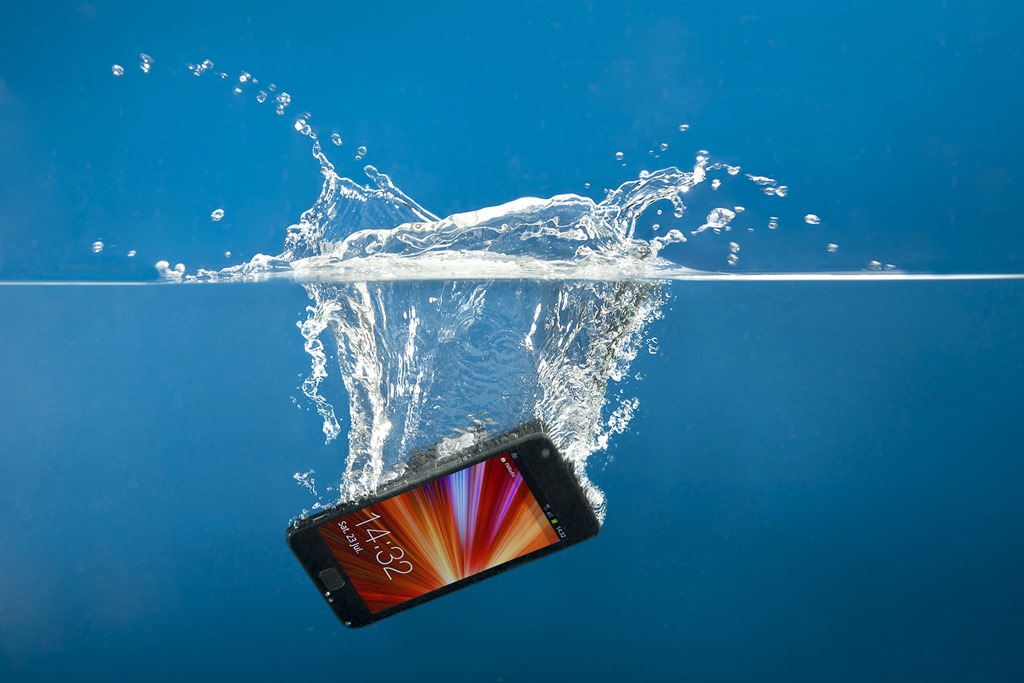
No matter how much you bought your phone, seeing it get damaged is not a pleasing moment at all – even if it’s just a slight crack on the screen. One of the frustrating situations is when your phone falls into the water – either in the toilet or in a pool of water. You may feel terrified and tense at the same time to the extent of not knowing what to do.
In case your device does take a plunge, here are tips for getting water out of your phone that you’ll need to know.
1. Immediate Action (First 60 Seconds)
- Retrieve it instantly: Every second submerged increases the chance of water reaching the motherboard.
- Power it OFF: If it’s on, shut it down immediately. If it’s already off, do not try to turn it on to see if it works. Electricity + Water = Short Circuit.
- Remove the Case: Cases trap moisture against the device’s seams.
- Eject the SIM Tray: Remove the SIM card and any microSD cards. This creates a small “vent” for air to circulate.
2. The “Do Not” List (Common Mistakes)
- ❌ DO NOT use Rice: Rice is inefficient at pulling moisture from inside a sealed phone. Worse, rice dust and starch can enter ports and turn into a “gunk” that corrodes components or jams the charging port.
- ❌ DO NOT use a Hairdryer: High heat can melt internal adhesives and damage the screen. Forced air also pushes water deeper into the device.
- ❌ DO NOT Shake it: Shaking can move water droplets from safe areas (like the speaker grill) onto sensitive internal chips.
- ❌ DO NOT Charge it: Never plug a wet phone into a wall or portable charger.
3. Proper Drying Technique
- Wipe the Exterior: Use a lint-free or microfiber cloth to dab (not rub) the device dry.
- Gravity Drain: Hold the phone with the charging port facing down and give it a few gentle taps against your palm to encourage water to drip out.
- The Best Desiccant: If you have Silica Gel packets (the “Do Not Eat” packets found in shoe boxes or electronics), place the phone in a sealed container with as many of them as possible.
- Airflow: If you don’t have silica gel, place the phone in a dry area with a fan blowing cool air across the ports.
4. The 48-Hour Rule
Wait at least 24 to 48 hours before attempting to power the device back on. Even if the screen looks dry, moisture often remains under the chips.
When to See a Professional
If your phone was dropped in Salt Water, Chlorinated Pool Water, or Sugary Drinks, the corrosion risk is much higher. In these cases, it is best to take it to a repair shop immediately for an “ultrasonic cleaning,” where they submerge the board in a specialized solution to strip away minerals before they eat the circuits.
